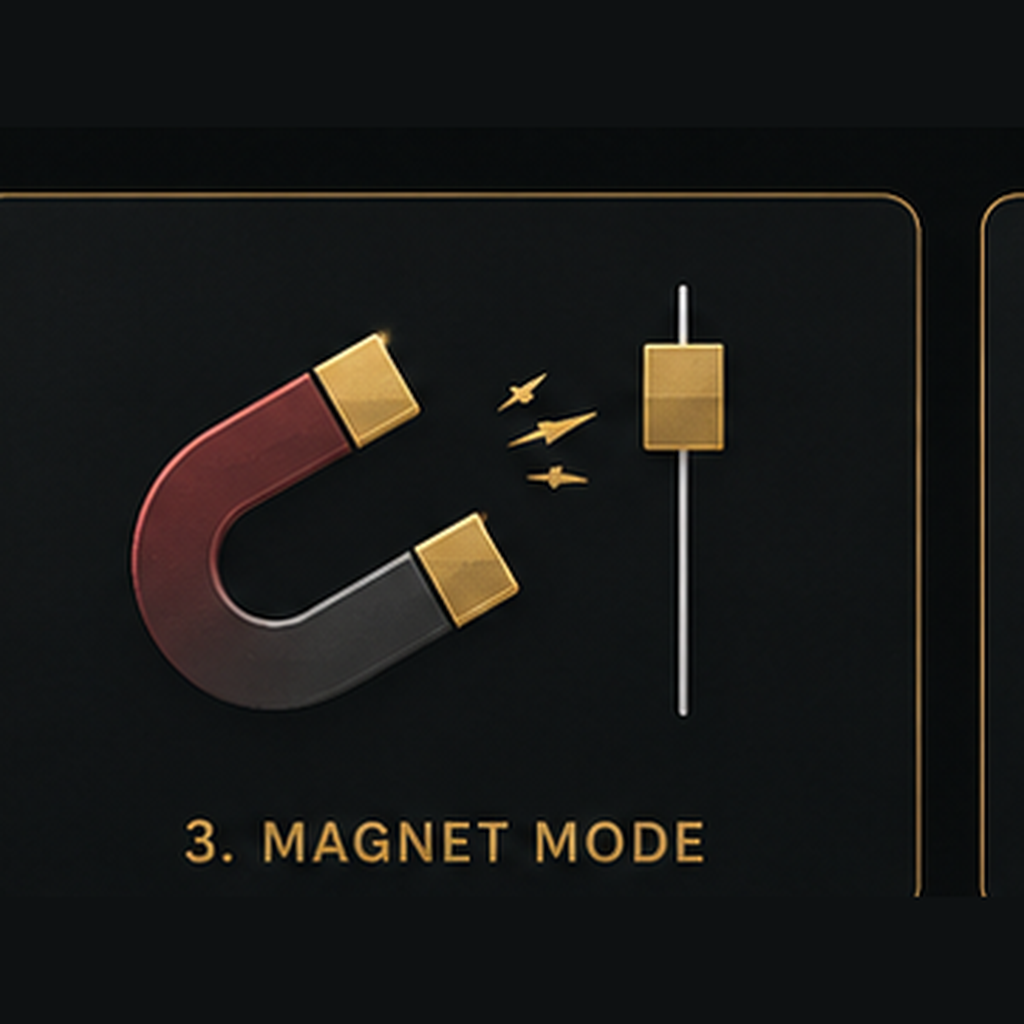
Magnet Mode
A precision tool that helps drawing tools snap accurately to important candle price points.
What It Does
Magnet Mode helps drawing tools snap more precisely to important candle price points on a chart. Instead of relying only on manual placement, it helps attach drawing points to prices such as the open, high, low, or close of a candle.
How to Use It
Turn Magnet Mode on before using tools such as trend lines, Fibonacci Retracement, horizontal levels, or other chart drawings. Move the drawing point close to the candle price you want to use, and Magnet Mode helps snap the drawing into a more precise position. Turn it off when you need completely free placement.
Video Lesson
A video lesson demonstrating Magnet Mode in action will be added soon. Check back later for step-by-step examples of how to use this tool effectively in your chart analysis.